
You already have the content. The podcast episode you published last week. The YouTube video from last month. The webinar recording sitting in your Google Drive. Every piece of long-form content you've ever created is a goldmine of short-form clips — you just need a system to extract them.
AI makes that system fast, cheap, and scalable. What used to take a video editor hours of scrubbing, cutting, and reformatting now takes minutes. And the output quality is often better, because AI can identify high-engagement moments that humans might overlook.
Why Repurposing Is the Highest-ROI Content Strategy#
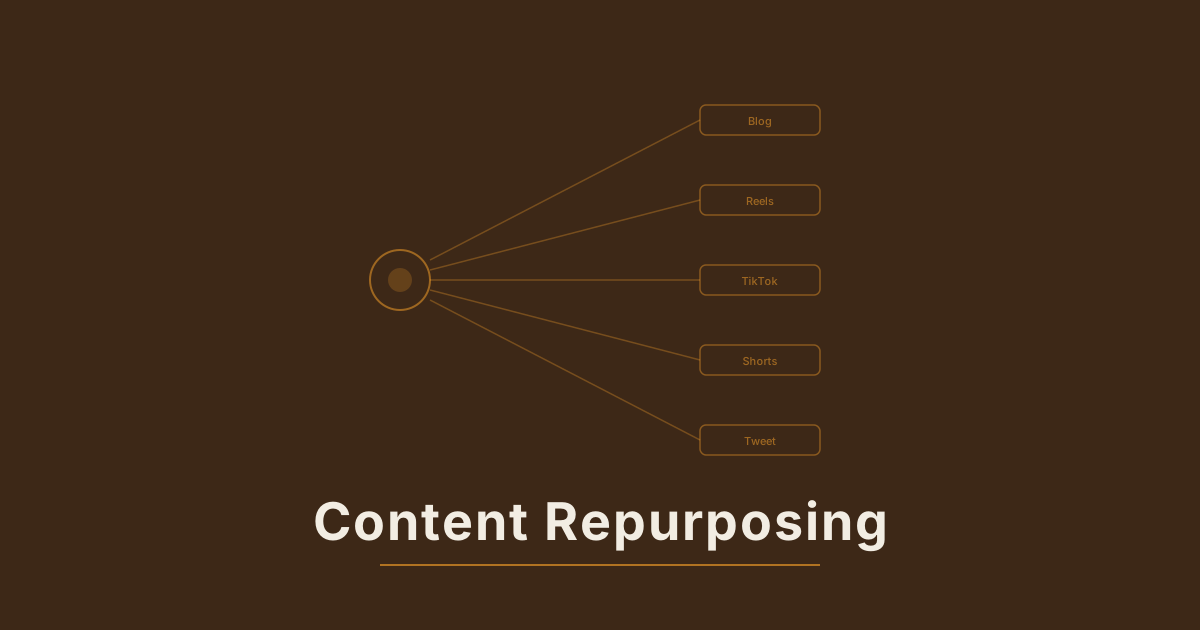
Creating original content from scratch every day is exhausting and unnecessary. The best content teams operate on a "create once, distribute everywhere" model:
- 1 podcast episode becomes 10-15 short clips
- 1 YouTube video becomes 8-12 Shorts, Reels, and TikToks
- 1 webinar becomes 20+ social posts across platforms
- 1 blog post becomes 5-8 video explainers
The math works because each platform has a different audience. Most of your TikTok followers will never see your YouTube channel, and vice versa. Research consistently shows that only 5-10% of audiences overlap between platforms. You're not being repetitive — you're being strategic.
The ROI comparison makes this even clearer:
| Strategy | Time Investment | Output | Cost per Post | |----------|----------------|--------|---------------| | Original content per post | 2-4 hours | 1 post | High | | Repurposed from long-form | 15-30 min | 10-15 posts | Very low | | AI-assisted repurposing | 5-10 min | 10-15 posts | Minimal |
When you account for the time already spent creating the long-form content, repurposed clips are essentially free additional distribution.
The Psychology Behind Why Repurposed Content Works#
There's a common fear that repurposing is "cheating" or that audiences will notice repeated content. The data says the opposite:
The Rule of 7: Marketing research shows people need to encounter a message approximately 7 times before it registers. Repurposing ensures your best ideas reach people multiple times across multiple contexts.
Context changes perception: The same insight delivered as a podcast clip feels different from a captioned Reel, which feels different from a YouTube Short with B-roll. Each format gives your content a new context that makes it feel fresh.
Different consumption modes: Someone scrolling TikTok during their commute is in a fundamentally different consumption mode than someone listening to a podcast during a workout. The same message resonates differently in each context.
The AI-Powered Repurposing Workflow#
Step 1: Transcribe and Analyze#
Start by running your long-form content through an AI transcription tool. This gives you a searchable text version of everything that was said.
Modern transcription tools do more than just convert speech to text. They also provide:
- Speaker diarization (who said what)
- Timestamp mapping (exactly when each sentence occurs)
- Topic segmentation (automatic detection of subject changes)
- Sentiment analysis (identifying emotional peaks)
Then use AI to identify the "clipable moments" — sections with:
- Strong standalone statements or hot takes — opinions that are interesting without context
- Surprising statistics or data points — numbers stop the scroll
- Clear, concise explanations of complex topics — educational content performs consistently
- Emotional peaks (laughter, excitement, frustration) — emotion drives shares
- Quotable one-liners — these become the text hooks for your clips
- Story openings — anecdotes that naturally pull viewers in
- Debate or disagreement moments — contrarian takes drive comments
A 60-minute podcast typically contains 15-25 strong clip candidates. A 20-minute YouTube video usually has 8-12. If you're creating long-form content with repurposing in mind, you can intentionally build in more clipable moments.
Step 2: Generate Clips Automatically#
AI clipping tools can take your full video and automatically cut it into short-form segments. The best tools use speech analysis and viewer engagement prediction to:
- Identify natural start and end points that make sense standalone
- Detect topic changes and ensure clips are thematically coherent
- Score segments by predicted engagement using models trained on viral content patterns
- Maintain context so clips make sense without the full episode
- Detect and remove filler words, long pauses, and tangents
This takes a process that used to require hours of manual scrubbing and reduces it to minutes. A human editor still reviews and approves the selections, but the AI does 90% of the work.
Step 3: Enhance With AI-Generated Visuals#
This is where the magic happens. Raw clips from a talking-head podcast don't stop the scroll on TikTok. But a talking-head clip enhanced with AI-generated B-roll absolutely does.
Here's how to use AI video generation to enhance your repurposed clips:
Visual B-roll generation: When the speaker mentions "ocean pollution," generate a cinematic shot of waves carrying plastic debris. When they discuss "the future of technology," generate a sleek futuristic cityscape. These AI-generated visuals play as cutaways while the original audio continues.
Dynamic backgrounds: Replace a plain podcast studio background with an animated, visually engaging backdrop. The speaker stays in frame, but the environment becomes more interesting.
Data visualization: When a speaker cites statistics, generate animated charts, graphs, or visual metaphors. "Revenue grew 300%" becomes much more impactful with a visual representation.
Scene setting: Use AI to create establishing shots that set the mood for each clip. A clip about morning routines starts with an AI-generated sunrise. A business strategy clip opens with a cinematic boardroom shot.
Step 4: Optimize Each Clip for Its Platform#
A clip that works on YouTube Shorts won't necessarily work on TikTok without adjustment. Here's what to customize:
| Element | TikTok | Instagram Reels | YouTube Shorts | LinkedIn | |---------|--------|----------------|----------------|----------| | Length | 15-60s | 15-30s | 15-60s | 30-90s | | Captions | Large, centered, animated | Clean, bottom-third | Large, centered | Professional, lower-third | | Hook | Text overlay + visual punch | Audio-first approach | Thumbnail + text hook | Question or data point | | CTA | "Follow for more" | "Save this" | "Subscribe" | "Connect with me" | | Music | Trending audio required | Optional, trending preferred | Less common | No music typically | | Pacing | Fast cuts, 2-3s per shot | Medium, aesthetic | Medium-fast | Slower, thoughtful | | Hashtags | 3-5, mix niche + broad | 5-10, niche focused | 3-5, descriptive | 3-5, industry specific |
Step 5: Add Visual Polish#
Raw clips need enhancement to compete with native content on each platform:
Dynamic captions — Not just subtitles. Animated, keyword-highlighted text that emphasizes key phrases and changes color or size for important words. This single addition can double your retention rate because it gives viewers a visual anchor point.
AI-generated B-roll — Use text-to-video generation to create relevant visuals that play while the audio continues. Even 2-3 seconds of B-roll between cuts dramatically improves the visual experience.
Split-screen or reaction formats — Put the speaker clip on top and a relevant visual on the bottom. Or use a side-by-side layout comparing what they're discussing. These formats are native to short-form platforms and feel natural to viewers.
Zoom and motion effects — Add subtle Ken Burns-style zoom effects to static talking-head footage. Slow push-ins during important points, slight pull-backs during transitions. This adds visual energy to otherwise static content.
Branded elements — Add your logo, color scheme, or signature visual element. When viewers see a consistent visual style, they start recognizing your clips in their feed before even reading the content.
Step 6: Batch and Schedule#
Don't post everything at once. Space clips out over 2-3 weeks:
- Monday/Wednesday/Friday: Clips from the latest episode
- Tuesday/Thursday: Evergreen clips from the archive
- Weekend: Best performers from the past month (reshare with new hooks)
This keeps your feed active without requiring constant new production, and it gives each clip room to breathe and find its audience.
Real Numbers: What Repurposing Looks Like at Scale#
Here's a realistic monthly output from one piece of long-form content per week:
- 4 podcast episodes or YouTube videos per month
- 12-15 clips per episode = 48-60 short-form videos
- Posted across 3 platforms = 144-180 total posts
- Enhanced with AI B-roll and professional captions
That's 5-6 posts per day across platforms, all from content you already created. No scripting new ideas. No shooting new footage. No creative burnout.
For context, most social media managers consider 3-5 posts per day across platforms to be "aggressive." With AI-assisted repurposing, it's the baseline.
Case Study: The Podcast-to-TikTok Pipeline#
A business podcast with 2,000 weekly listeners implemented this repurposing workflow. Within 3 months:
- TikTok: 0 to 45K followers from repurposed clips
- Instagram: 2x follower growth from Reels
- YouTube Shorts: 500K+ cumulative views on clip content
- Podcast downloads: 3x increase as short-form viewers discovered the full show
The short-form clips acted as a discovery engine for the long-form content, creating a flywheel effect.
Creating Long-Form Content With Repurposing in Mind#
Once you adopt a repurposing workflow, it changes how you create long-form content:
Build in "clip moments." Deliberately include standalone insights, quotable lines, and concise explanations that work out of context. Pros plan 3-5 intentional clip moments per episode.
Vary your energy. Monotone delivery produces clips that all feel the same. Vary your vocal energy, emphasis, and pacing. Passionate moments and calm, authoritative moments both clip well — but in different ways.
Use visual cues. If you're on camera, use hand gestures, prop interactions, and physical movement. These make clips more visually engaging and give editors natural cut points.
Front-load value. Don't bury your best insights 45 minutes into an episode. Spread high-value moments throughout, ensuring even early clips from the conversation are compelling.
Create natural pauses. Brief pauses between topics create clean edit points. When transitioning between ideas, take a beat — this gives clipping tools cleaner in/out points.
Common Repurposing Mistakes#
Cutting clips too long. The number one mistake. If a point takes 90 seconds to make on a podcast, it needs to be condensed to 30 seconds for short-form. Cut the setup and start at the payoff. The audience doesn't need the same context a podcast listener has.
No visual hook. A thumbnail of someone talking into a microphone won't stop anyone's scroll. Add a text hook to the first frame — the most provocative statement from the clip, positioned as a question or bold claim.
Forgetting context. Make sure each clip stands alone. If the speaker says "like I mentioned earlier," that reference makes no sense in a standalone clip. Trim those references or add a brief text intro providing context.
Same caption everywhere. Write platform-specific captions. What works as a LinkedIn post (professional, detailed, insight-driven) does not work as a TikTok caption (casual, emoji, call-to-action focused). Tailor the text wrapper around each clip.
Neglecting audio quality. Long-form content often has acceptable but imperfect audio — background noise, volume inconsistencies, echo. For short-form, clean the audio. Apply noise reduction, normalize volume, and ensure the speaker's voice is crisp. Poor audio is the fastest way to lose a short-form viewer.
Not updating for relevance. If you're repurposing clips from months-old content, make sure the information is still current. Add updated text overlays if needed: "Update: this number is now even higher."
Getting Started Today#
You don't need to overhaul your workflow overnight. Start with one piece of content:
- Pick your best-performing long-form video or podcast episode
- Transcribe it using any AI transcription tool
- Identify the 5 strongest standalone moments
- Cut them into 30-second clips
- Add captions and a text hook to each
- Post one per day for a week
Track the results. If even one clip significantly outperforms your usual content, you have your proof of concept. Then systematize it.
The creators and brands winning on social media in 2026 aren't necessarily creating more — they're extracting more value from what they've already made. Your back catalog is sitting there, waiting to be turned into hundreds of short-form clips. Start mining it.